10 presets · Lightroom
Wes Anderson Bundle, all ten looks.
Ten presets for soft pastels, golden light and symmetry. Both Wes Anderson packs in one download.
$24.95 one-time, yours to keep
- 10 presets, one click each
- Lightroom mobile, desktop and Classic
- $29.90 if bought one by one
Instant download after checkout on Etsy.
Not ready yet? Try Marfil free
The looks
Ten looks, each for its own light.
Every photo here is mine, edited with the look it names. These are one-click presets. Pick a look, then adjust exposure or white balance to taste.
-
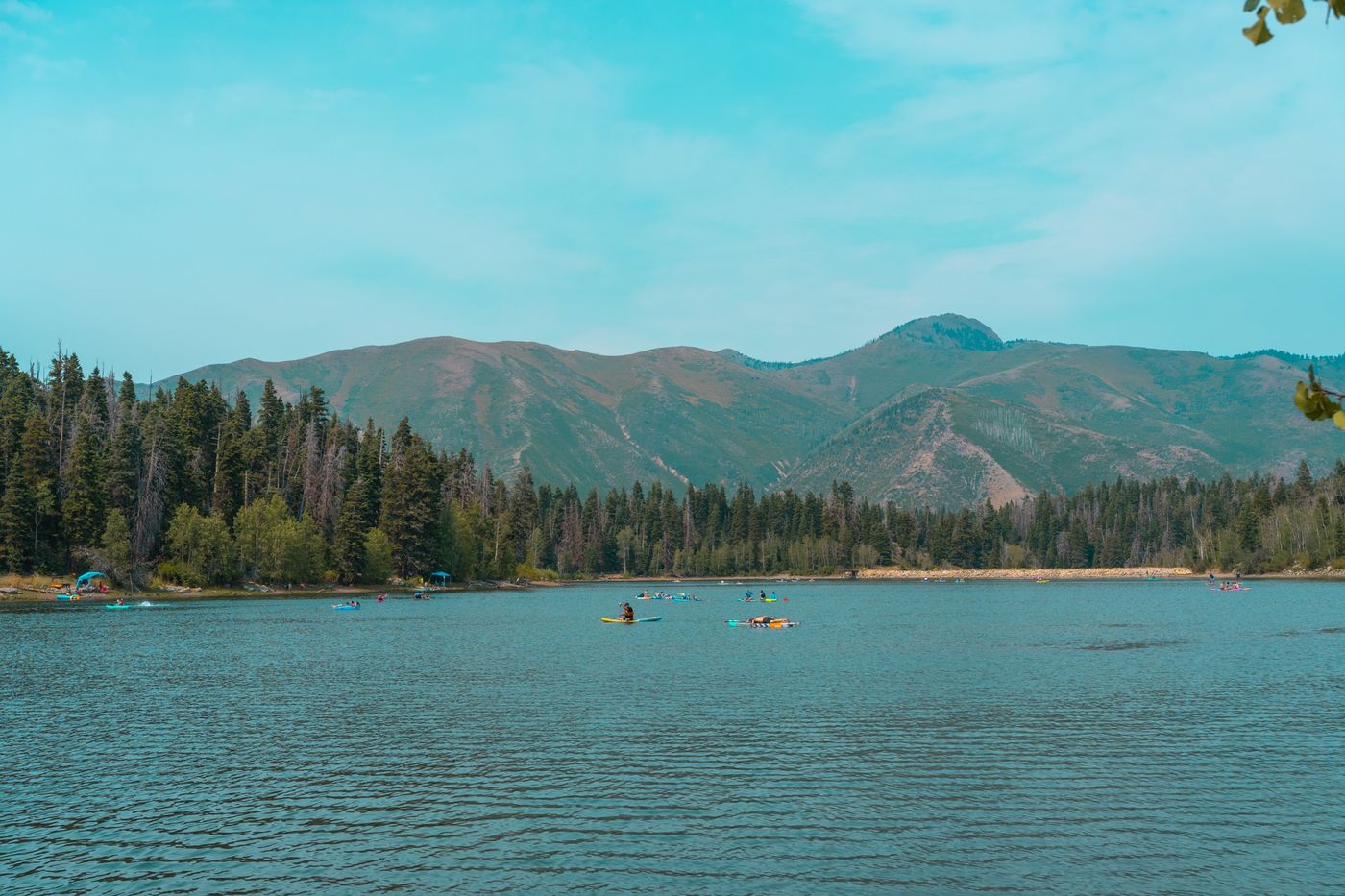
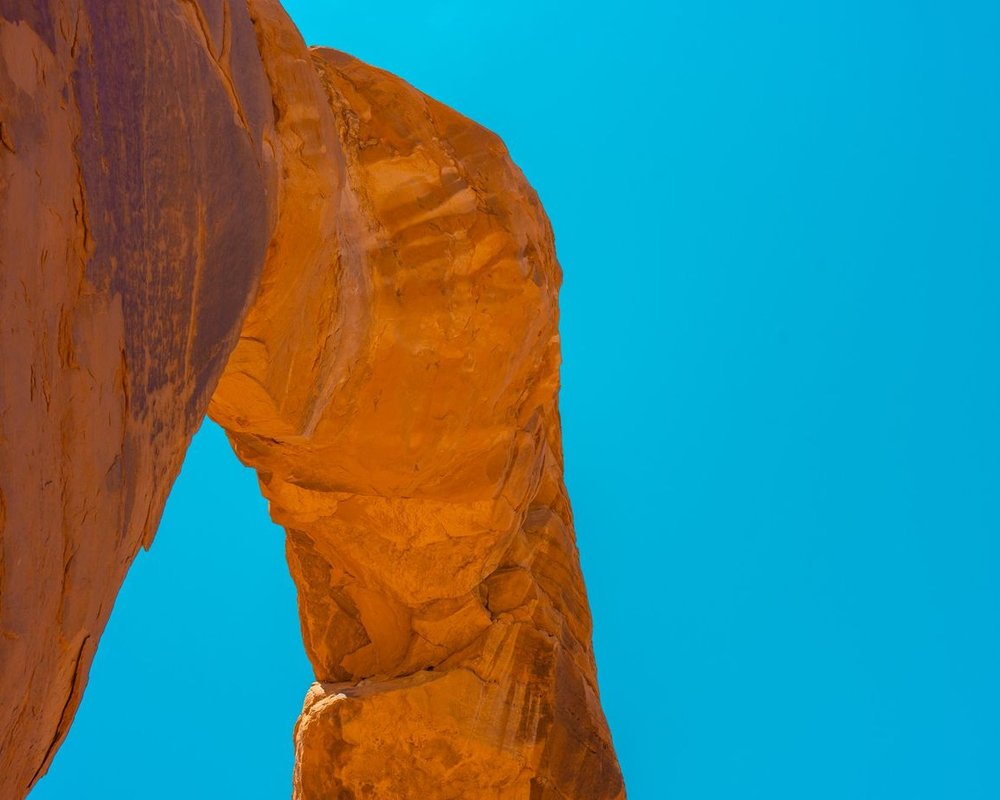
Budapest
Bold teal skies and orange rock.
Teal · Orange
-
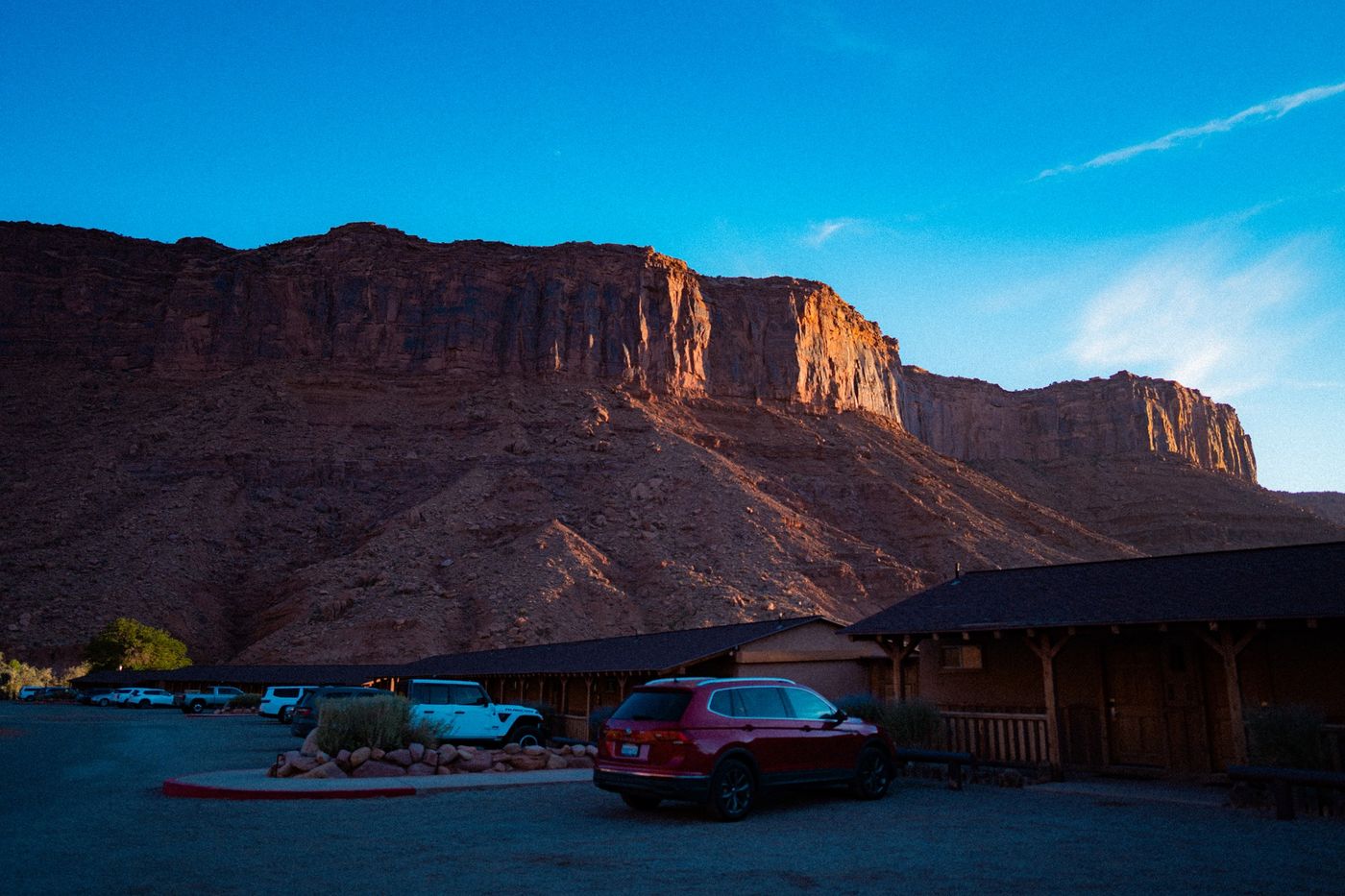
Anderson 400
Deep blues and warm reds.
Rich · Cinematic
-
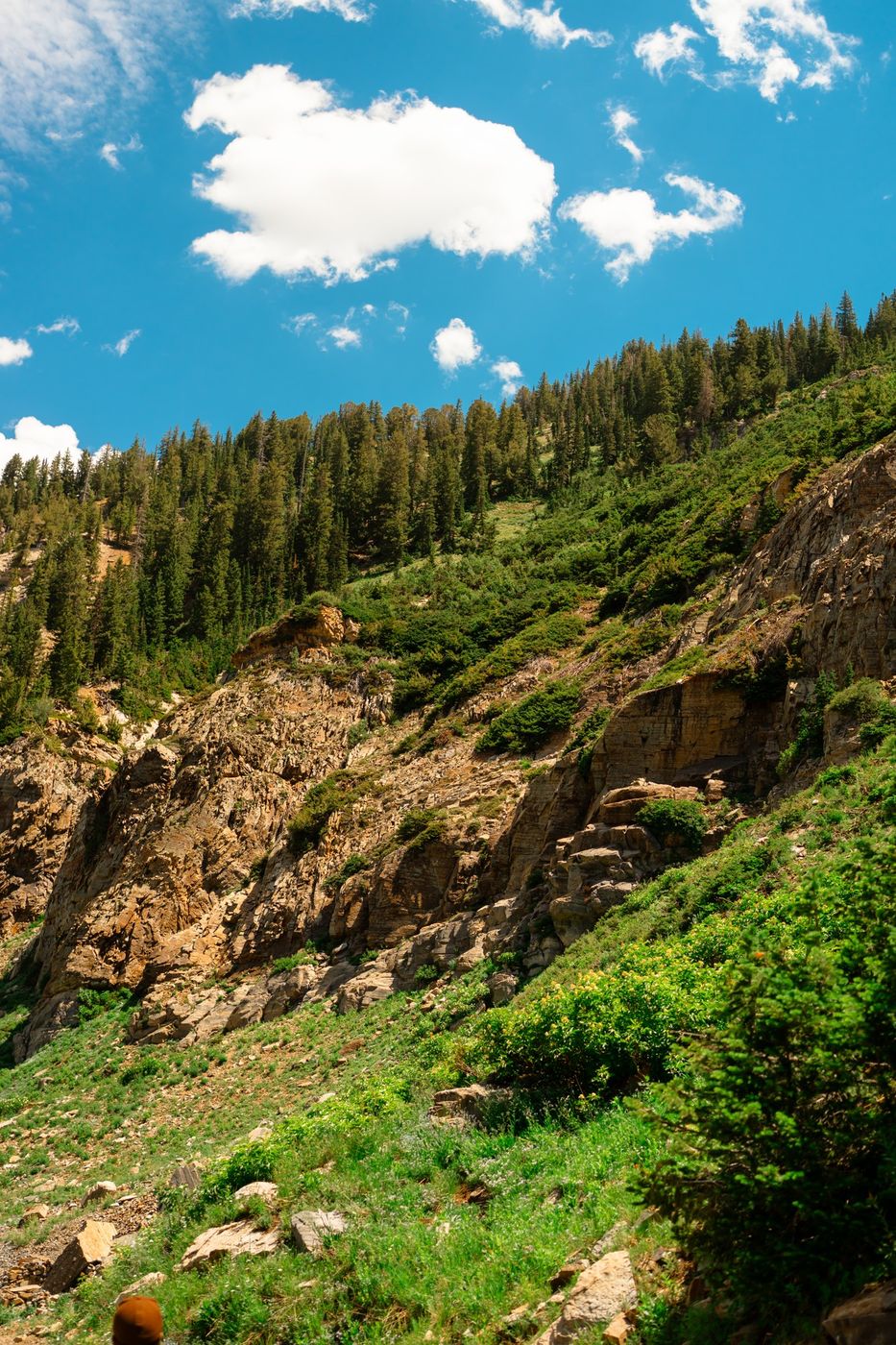
Bellafont Lounge
Bright greens under a clear blue sky.
Fresh · Summer
-
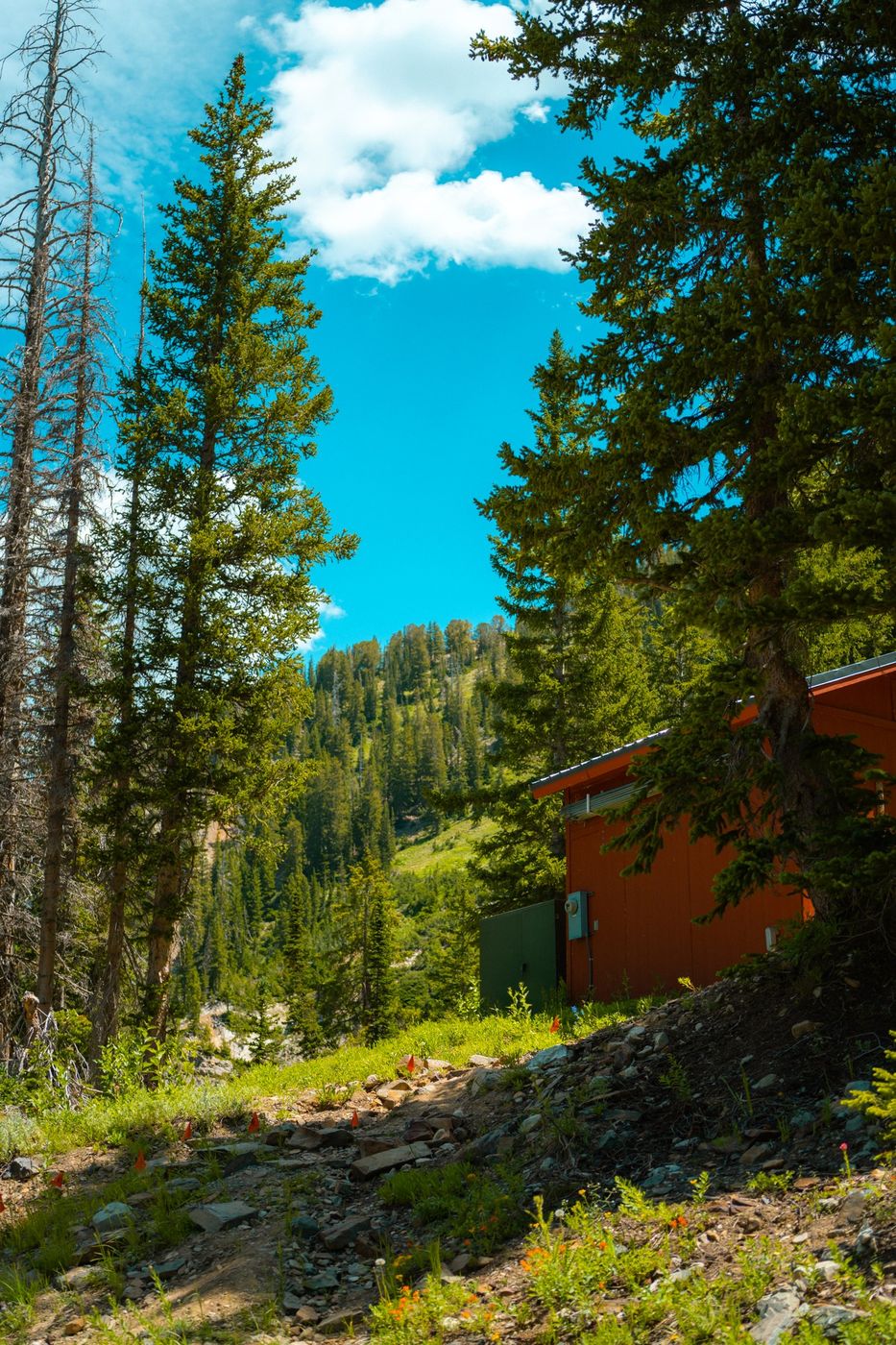
Chevalier Sunrise
Crisp blue skies and deep pines.
Crisp · Outdoors
-
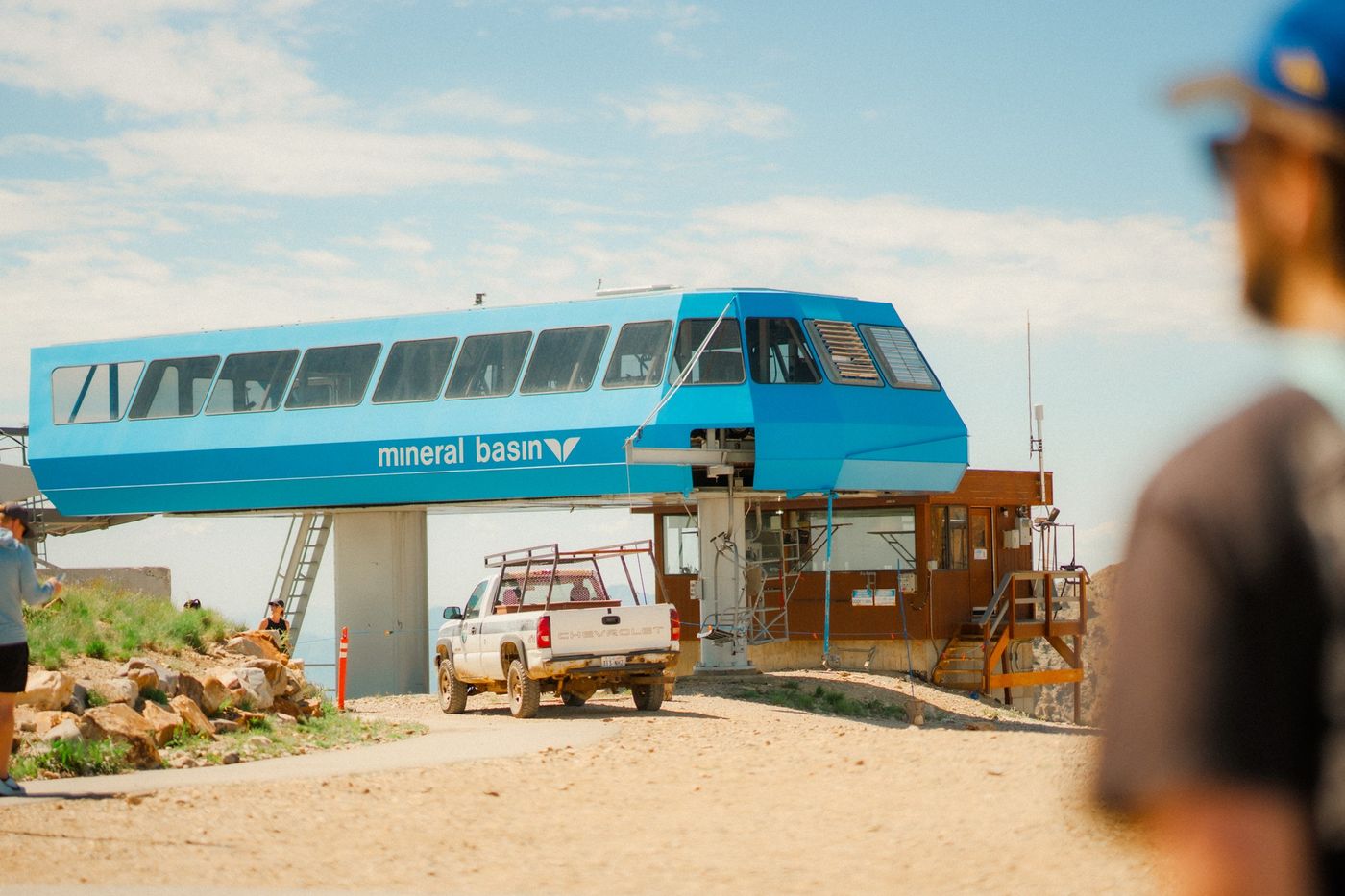
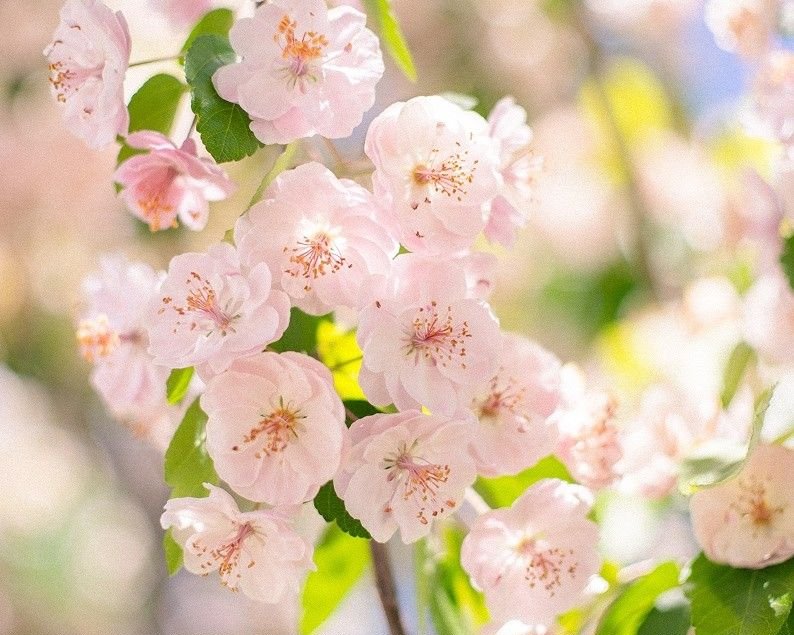
Fox Tracks
Sunny pastels with soft blues.
Pastel · Sunny
-
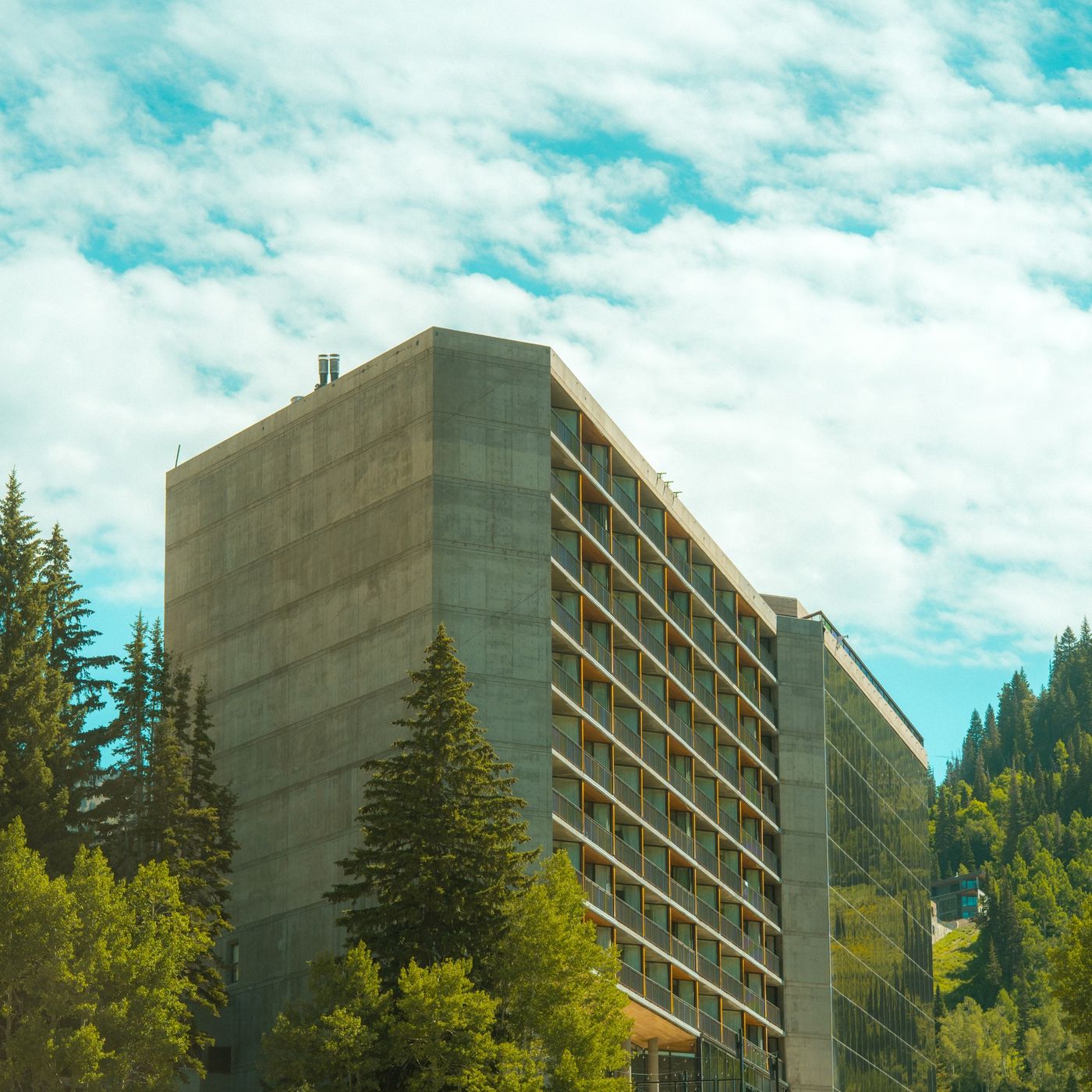
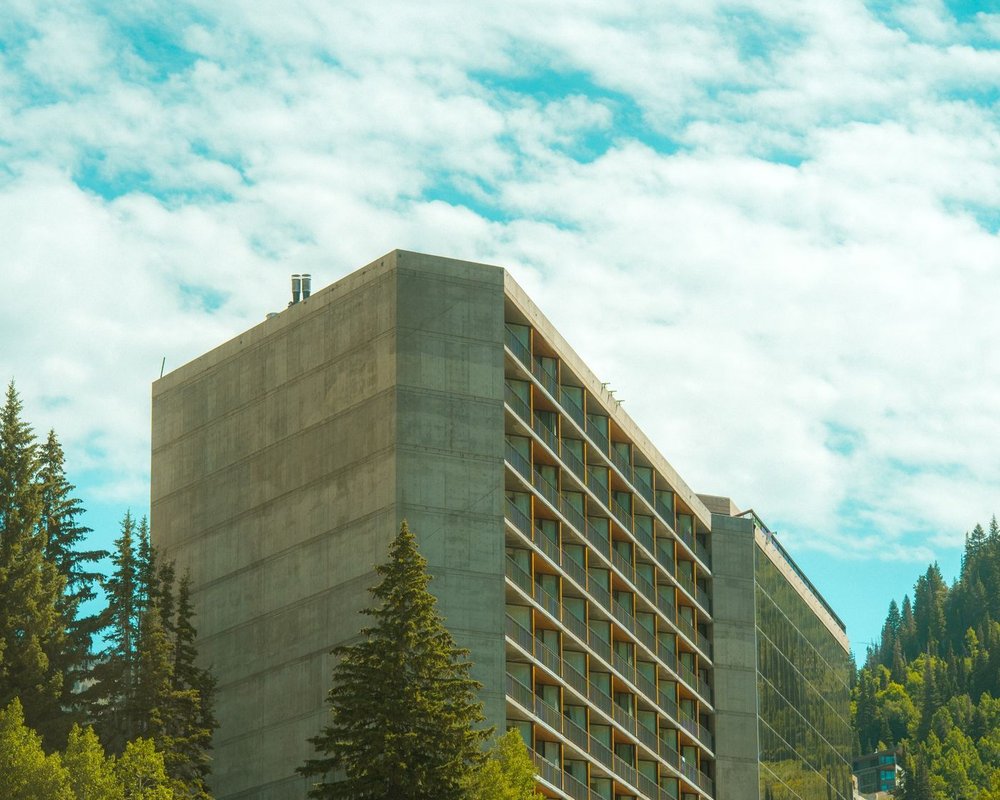
Lutz Elevator
Cool concrete, teal sky, soft greens.
Cool · Architecture
-
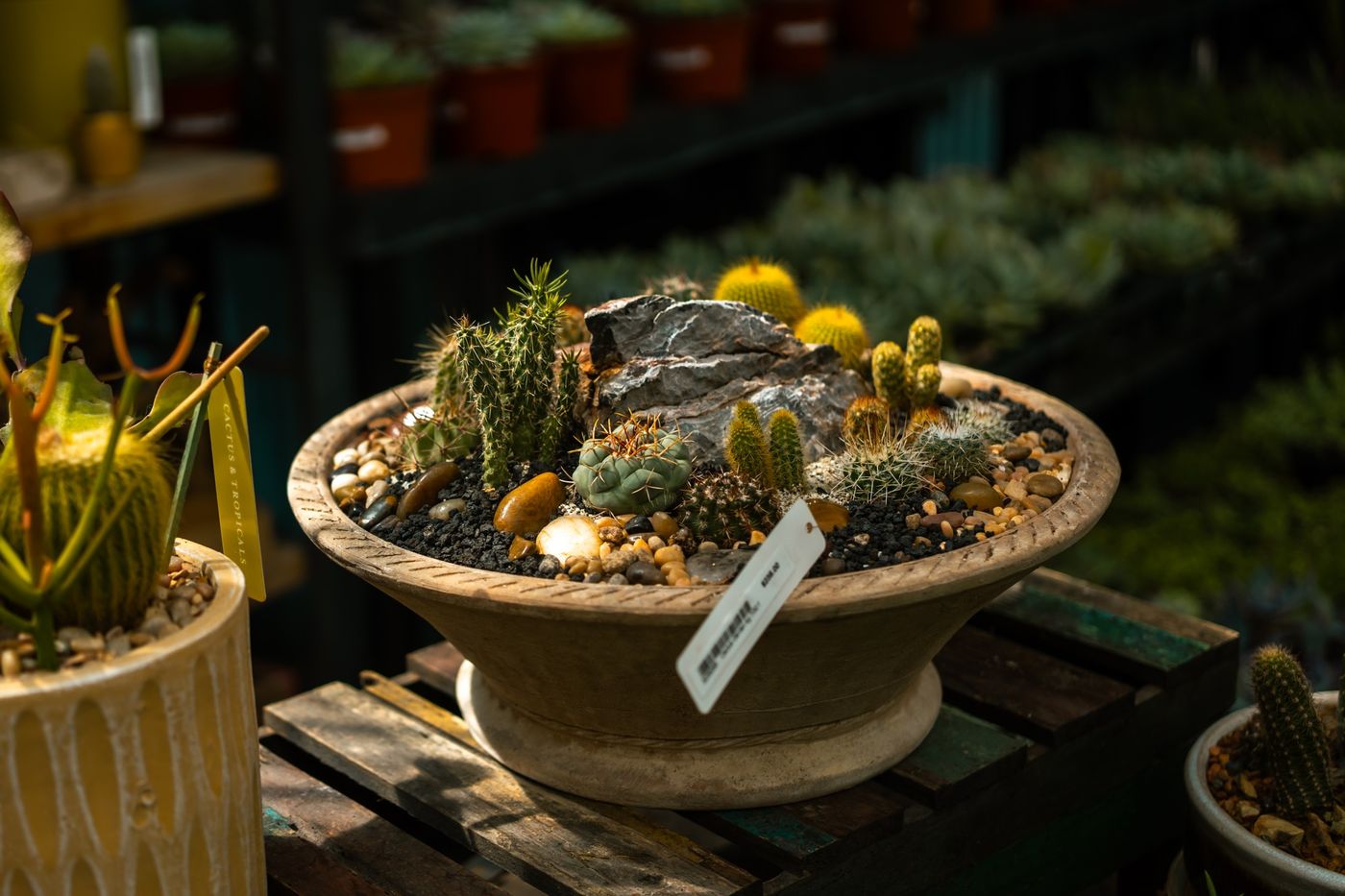
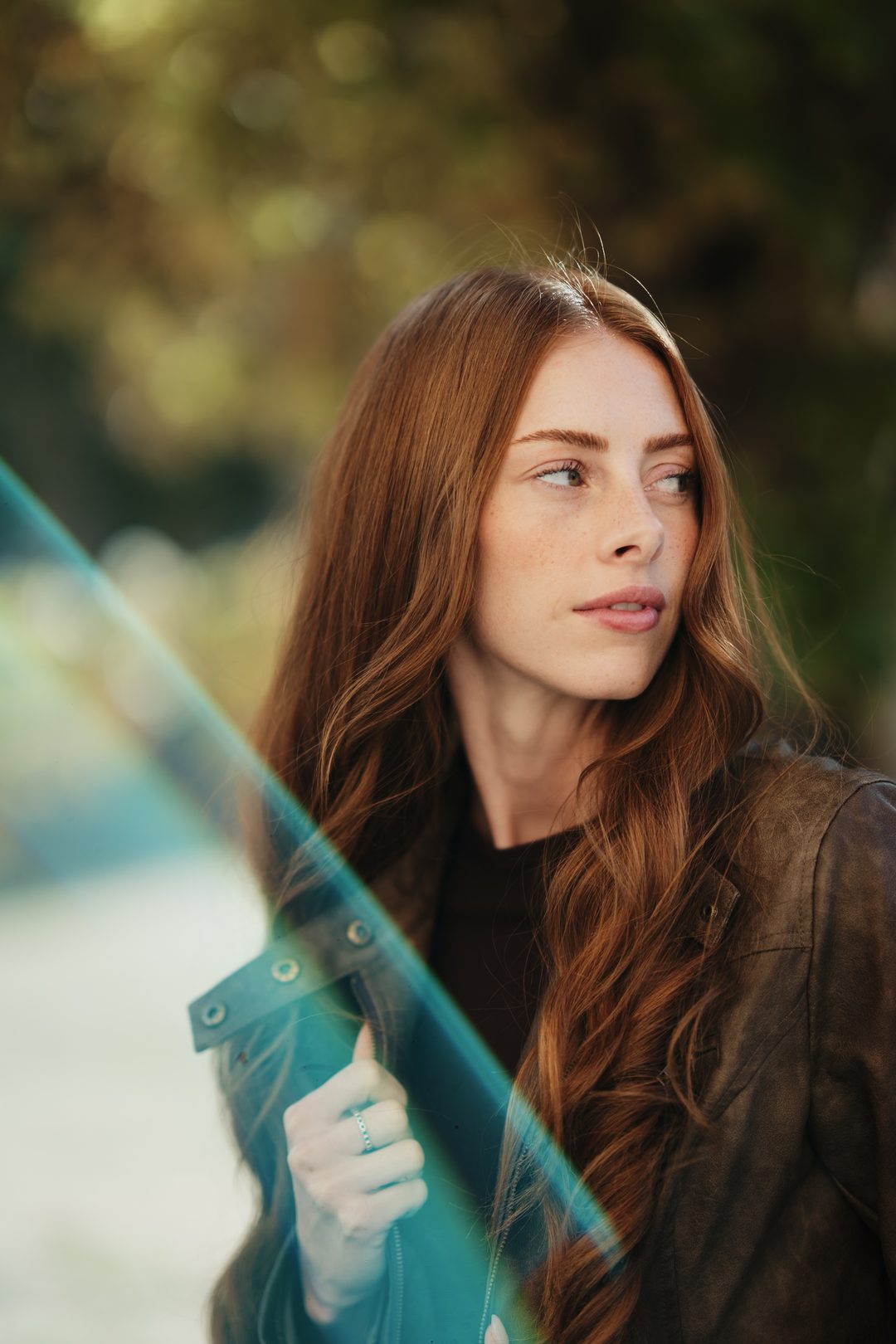
New Penzance
Warm shadows and golden greens.
Warm · Moody
-
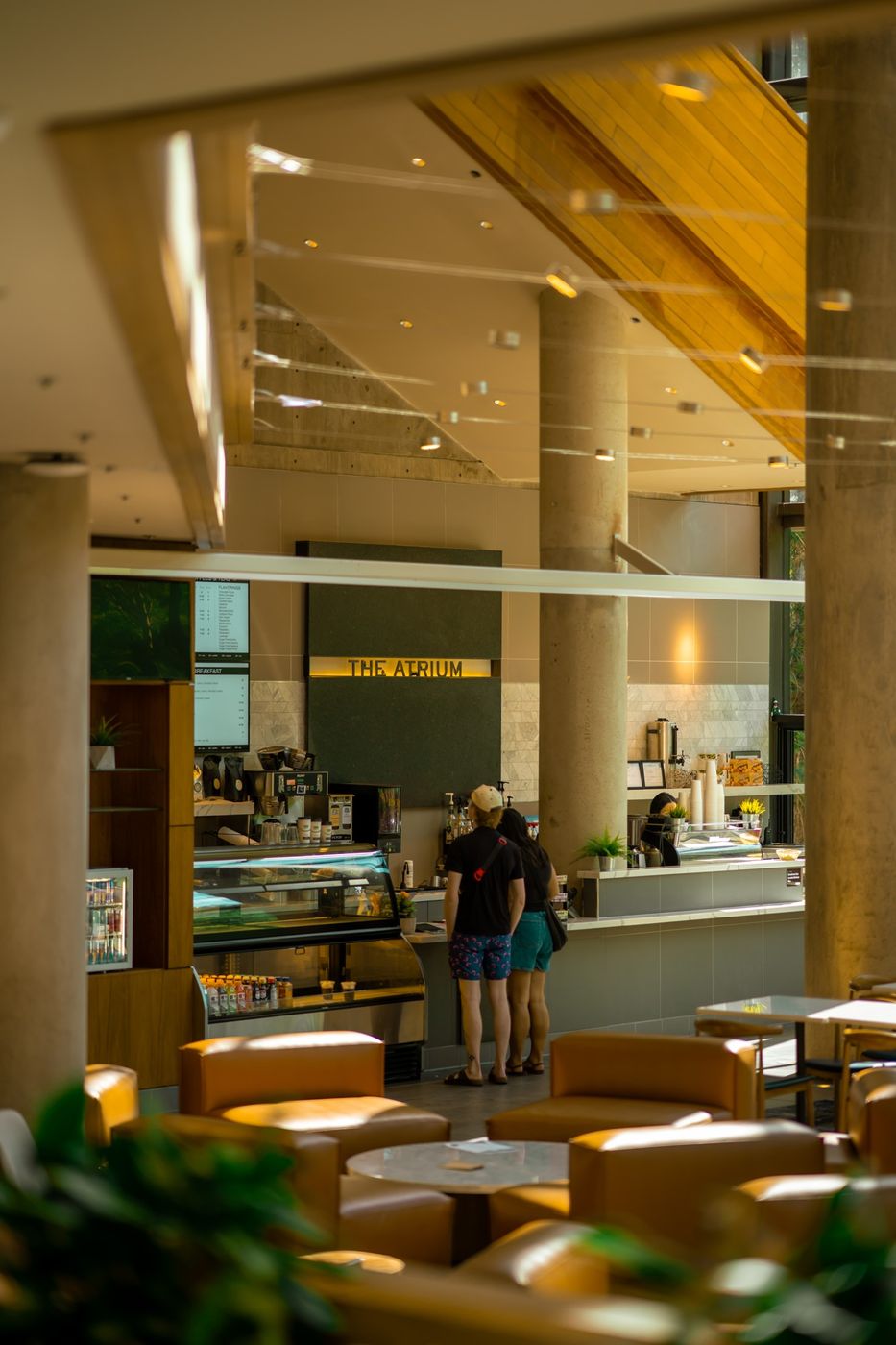
Rushmore Gold
Golden wood and warm indoor light.
Golden · Indoors
Also in the pack: Tenenbaum Glow and Zissou Blue.
How it works
Three steps. That's the whole thing.
Works in every version of Lightroom, including the free app on your phone.
- 1
Buy on Etsy
Your download waits in your Etsy purchases right after checkout. Open etsy.com in a browser to get it.
- 2
Add it to Lightroom
On your phone, open a photo, tap Presets, then the three dots, then Import Presets. On a computer, it's File, then Import. The install guide shows every app, Photoshop too.
- 3
Tap a look
Try a few, then nudge Exposure or White Balance. Every photo starts from different light.
Questions
Good to know before you buy.
How do I install them?
Download the zip, then import it into Lightroom. The PDF guide in the download walks you through it for each app, and the install guide is here too.
Will my photos look exactly like the examples?
Not exactly, since every photo starts from different light. Most of the time a small tweak to exposure or white balance gets you there.
Does it work on my phone?
Yes. Everything works in the free Lightroom mobile app on iPhone, iPad and Android.
I'm stuck. Can you help?
Of course! Message me on Etsy, on Instagram at @sombrapresets, or by email at hello@sombrapresets.com. I reply fast.
What you get
Everything in the pack. Yours to keep.
10presets, one click each
- The looks
- Anderson 400, Bellafont Lounge, Budapest, Chevalier Sunrise, Fox Tracks, Lutz Elevator, New Penzance, Rushmore Gold, Tenenbaum Glow and Zissou Blue
- 2 packs in one
- Wes Anderson and Wes Anderson II
- Every Lightroom
- The free app on your phone, desktop, Classic, and Photoshop through Camera Raw
- Install guide
- A step-by-step PDF in the download, and the same guide here
- Help from me
- Stuck? Message me. I reply fast.
All of it for $24.95, once.
Buy on EtsyKeep looking
Not quite it? Try a close look.
Three packs with a similar feel. This pack is also in the Complete Collection: ten packs for $49.95. Or see every pack.