
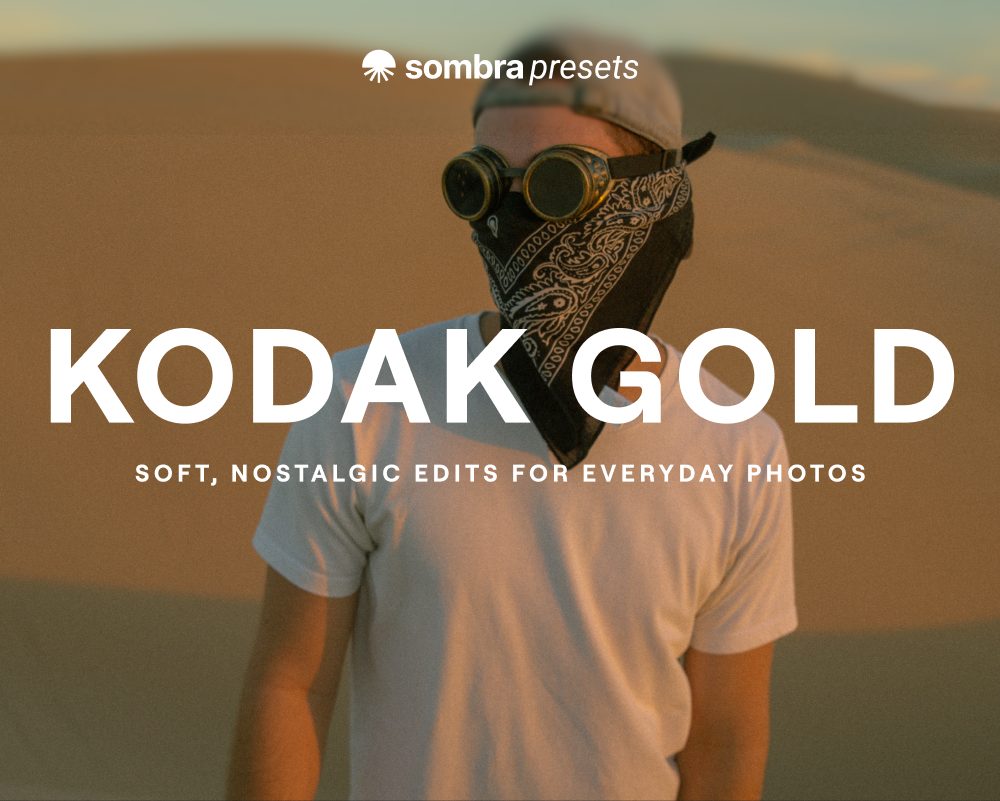
Kodak Gold
Eight soft, nostalgic presets inspired by Kodak Gold and its warm everyday color.
- 8 looks: Kodak Classic, Classic Balanced, Cool, Max, Max Balanced, Max Warm, Ultra and Ultra Mist
- Works with Lightroom mobile (free app), Lightroom desktop and Classic, and Photoshop
- Instant download with a step-by-step PDF install guide
$12.95
Buy on EtsyInstant download · Checkout on Etsy
01 · Examples
Real photos, edited with these presets.
 Kodak Classic
 Kodak Classic Balanced
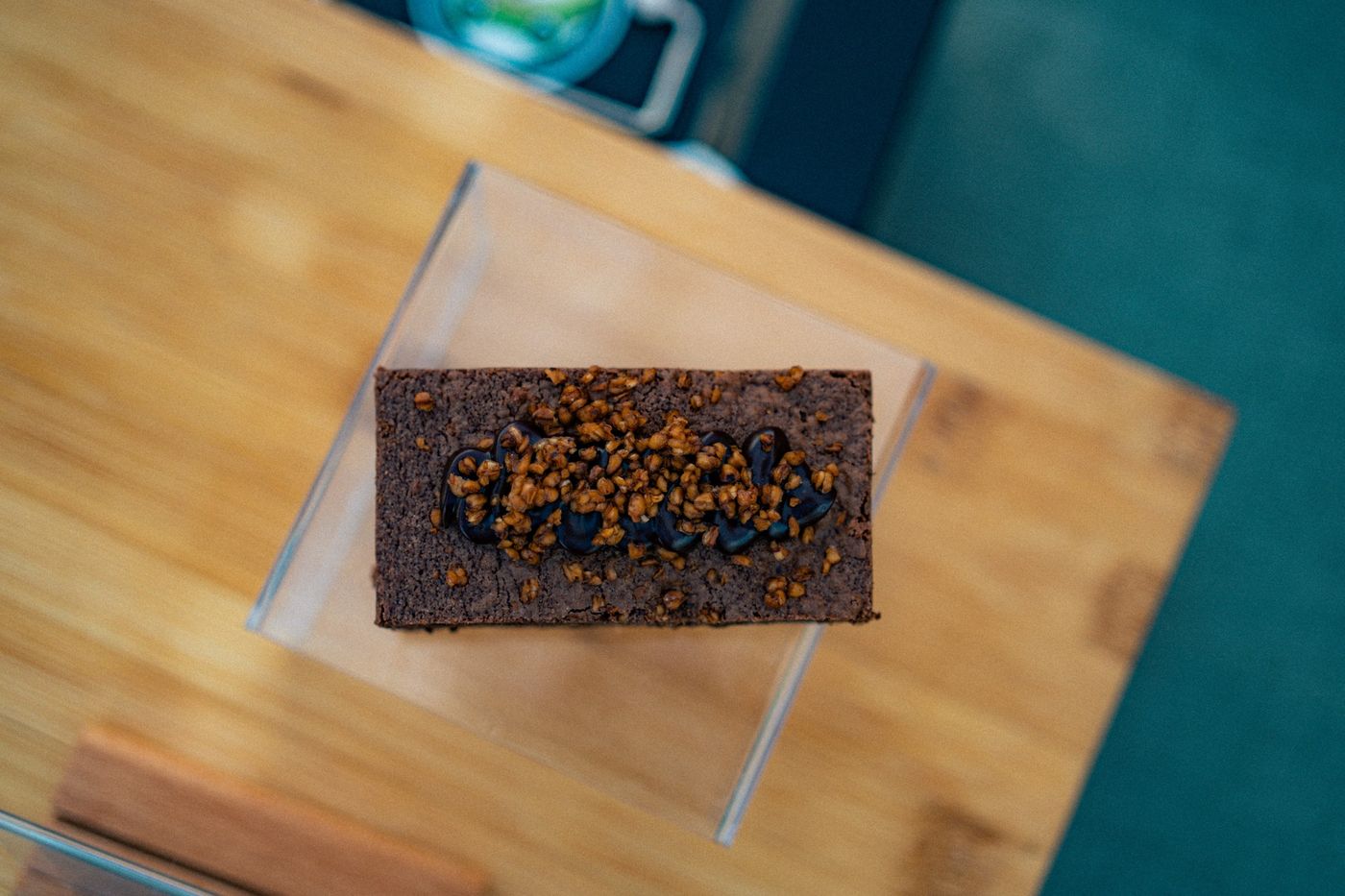 Kodak Cool
 Kodak Max Balanced
 Kodak Ultra
 Kodak Cool
02 · Works with
The presets work in every version of Lightroom.
Lightroom mobile
The free app on iPhone, iPad and Android.
Lightroom desktop
Mac and Windows. Syncs to your phone with the same Adobe account.
Lightroom Classic
Mac and Windows.
Photoshop
Through Camera Raw.
These are one-click presets. Pick a look, then adjust exposure or white balance to taste.
03 · Questions
Good to know before you buy.
How do I install them?
Download the zip, then import it into Lightroom. The PDF guide in the download walks you through it for each app, and the install guide is here too.
Will my photos look exactly like the examples?
Not exactly, since every photo starts from different light. Most of the time a small tweak to exposure or white balance gets you there.
Does it work on my phone?
Yes. Everything works in the free Lightroom mobile app on iPhone, iPad and Android.
I'm stuck. Can you help?
Of course! Message me on Etsy, on Instagram at @sombrapresets, or by email at hello@sombrapresets.com. I reply fast.
Join the list
Get 15% off your first pack.
Drop your email, confirm it, and the code is yours. You'll also hear first when new packs come out.